AI Vibe Coding
Vibe Coding
2026
Exploring AI-assisted design workflows — from Claude conversation to interactive prototype to design system, without traditional handoff.
AI-Assisted Design Workflow
AI Workflow — From 0 to 1
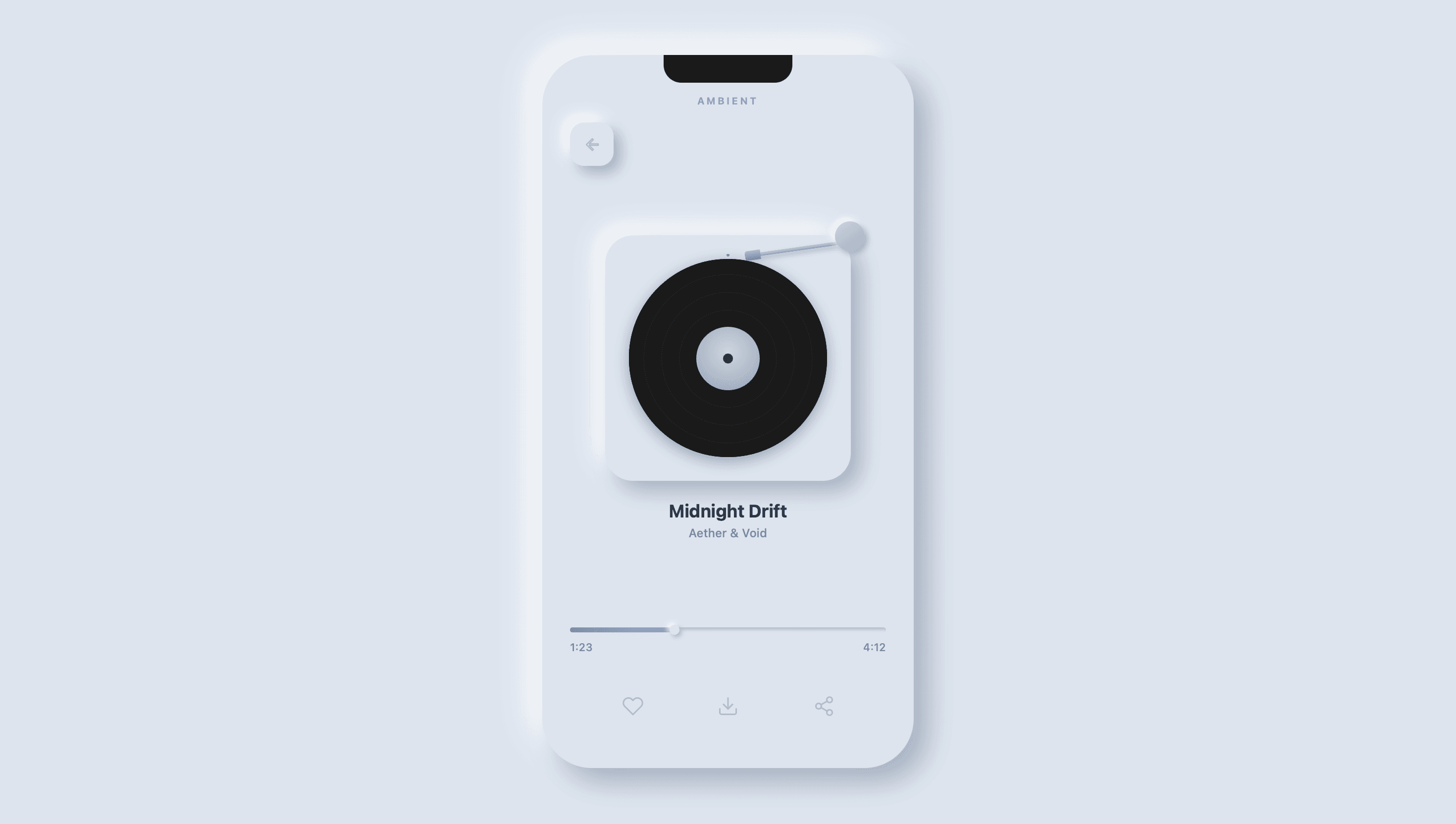
Altair is the full case study. The same pipeline has since been re-run on a second project, Dagaz — a sleep-soundscape app design system. The spec gets sharper with every project, and that is what separates a pipeline from a one-off prompt.
Six Stages
0
Intent
Set the temperament. Intent is never outsourced.
1
Reference
Scoped in Refero — take the mood, never the layout.
2
Spec
Write the .skill: tokens + recipes + hard rules.
3
Generate
AI produces the first draft against the spec.
4
Calibrate
Judge item by item; redo what’s wrong.
5
Write back
Lessons go back into the spec; loop to 3.
3 → 4 → 5 is a loop, not a line. The spec gets sharper with every project.
Division of Labor
0 · Intent
Defined the product’s single job; locked the temperament in one sentence
— (intent is never outsourced)
1 · Reference
Scoped references in Refero; vetoed wrong directions — mood only, never layout
Summarized shared traits (temperature, density, rhythm) for me to confirm or overturn
2 · Spec
Decided token values and the hard-rule boundaries — the “don’ts” matter more than the “dos”
Structured my decisions into the .skill document; parsed extracted grammars of shipped products
3 · Generate
Wrote narrow task briefs — one thing at a time
Produced the static framework, component code, WebGL boilerplate; enumerated variants under one spec
4 · Calibrate
Judged item by item — density off by a step, rhythm half a beat fast, hierarchy gone flat; redid what was wrong
Re-generated fast against my verdicts; produced A/Bs for me to rule on
5 · Write back
Chose which lessons deserved to enter the spec
Rewrote calibration notes into the .skill so the same mistake can’t recur
Proof this matters: when tokens for this very page were first written from memory, they “looked about right” — and were almost entirely wrong against the live CSS. Every value above was re-extracted from source. Specs must be extracted, never invented.
Collaboration Principles
Never outsource intent or judgment
AI joins at stage 1 — stage 0 always belongs to the human.
One task at a time
The narrower the task, the sharper the output; “also do X while you’re at it” is the number-one quality killer.
Pin down drift with “don’ts”
Seal off the drift-prone spots with hard Don’t rules, rather than steering with soft Do guidance.
The first draft is always wrong — but it’s wrong fast
Use the first draft as a probe. Calibration is where design actually happens.
Specs must be extracted, never invented
Tokens written from memory “look about right” yet turn out almost entirely wrong on comparison. Writing specs by feel is the number-one trap of AI collaboration.
Write lessons back — they compound
Every calibration is written back into the .skill; by the second project, the spec was already sharper than the first run.
Design System
Extracted line-by-line from the live site’s CSS — not written from memory. A Linear-family precision instrument: near-black canvas, a four-step surface ladder, hairline rings, and a single mint signal.
Generative Modules
01
Topographic Contours — domain-warped fBm and ridge noise extracted through marching squares. Every fifth line is an index contour; a single mint accent line and peak elevations mark the terrain as it drifts slowly eastward.
02
Plexus Network — 240 particles drifting inside a 520³ cube. The link threshold breathes at 0.1 Hz, and line color blends from smoke grey to mint by proximity, rendered with additive blending in 3D.
03
World Map — a genuine PCD of 4,278 land points, sampled pixel-by-pixel from Earth’s specular mask — then deliberately weathered: dropped points, jitter, an fBm drape and a mint scan-line, until the map hangs like cloth in wind.
Colors
Page canvas — near-black blue-grey, deliberately not pure black.
Carbon
#383B3F
Four-step surface ladder — Carbon is the card, Obsidian one step up, Slate draws the hairline ring, Smoke is the top surface. Elevation is “climbing one step”, never a shadow.
Paper
#62666D
Four-step text ladder — Paper for t1 headings, Mist for t2 body (body defaults to t2, not full white), Fog for t3 secondary, Ash for t4 meta.
Accent (Mint)
#2EE6A6
The single signal color: CTAs, link arrows, live status. Text on mint is Accent Ink #04130D; drops to #0B8F63 in the light theme to keep contrast.
Pulse Green
#27A644
Running-status badge — the small “live” signal, never used for emphasis.
Iris Violet
#6366F1
Secondary accent — trace amounts only.
Typography
One UI family — Inter + Noto Sans SC, pinned at weight 510, half a step off the grid. All data in JetBrains Mono at a fixed −0.013em, with cv01 · ss03 · zero on the body — every zero site-wide is slashed.
clamp(44px, 6vw, 72px) · lh 1.0
clamp(32px, 4vw, 48px) · lh 1.0
clamp(36px, 4.5vw, 56px) · 510 · −0.022em · lh 1
Body set in t2 (Mist) — body defaults half a step down; only headings take t1.
16px · lh 1.5 · t2
4,278 PTS · 00:00:07 · 0.024
JetBrains Mono · −0.013em · slashed zero
MODEL / INPUT / OUTPUT / STATUS
Table header · 11px · 510 · +0.1em
FIG. 03 — WORLD MAP POINT CLOUD
FIG label · 12px · +0.18em · mono
MINT SIGNAL ON CARBON
Eyebrow · 12px · 510 · +0.22em
Principles
Do
Elevation = surface ladder + 1px inset ring — never a drop shadow
Body text in t2; t1 reserved for headings and key numbers
All data in mono; components consume the semantic layer only
One generative figure as the protagonist per screen, 1px strokes
Don’t
No shadows; no pure black #000
Accent never as a large background
Never bypass the semantic layer with hard-coded colors (breaks dual theme)
Figures carry the argument — never wallpaper